![MasterLogo_DarkGreenZag_NoBackground.png]](https://my.zigzag.global/hs-fs/hubfs/MasterLogo_DarkGreenZag_NoBackground.png?height=30&name=MasterLogo_DarkGreenZag_NoBackground.png)
Filter returns based on multiple returns, and providing analytics of the returns your company is processing.
1. Click Add Filter button - a new row with filter criteria will appear.
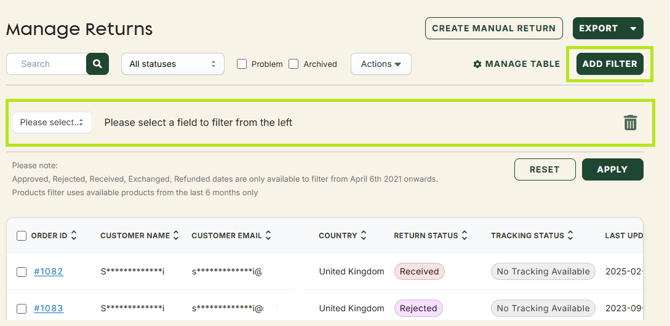
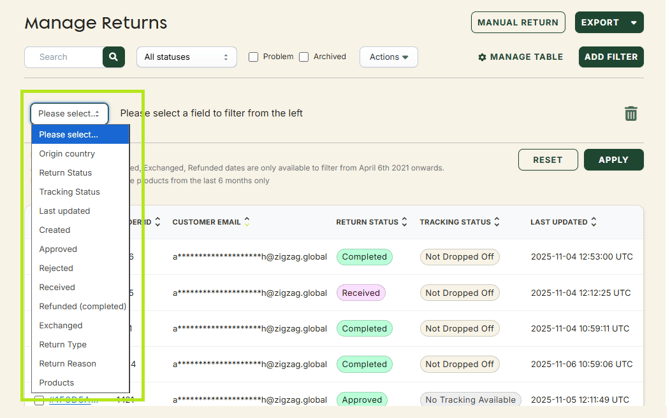
2. Select a filter option.
3. Fill the field with the preferred value.
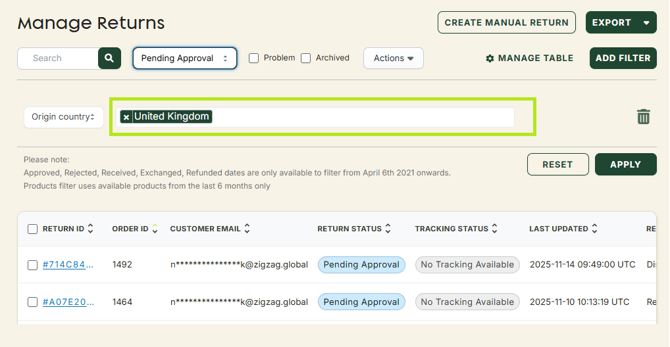
4. Click Apply.
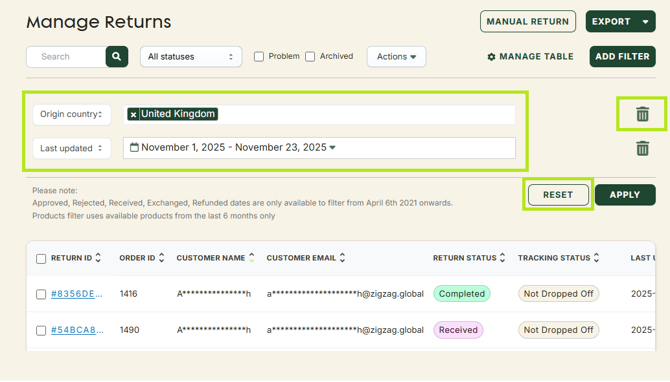
Click the Add Filter button again and follow the same steps if you want to apply more filters.
Click Reset if you want to clear the filters.
Click the Delete icon next to a filter if you want to remove only it.