![MasterLogo_DarkGreenZag_NoBackground.png]](https://my.zigzag.global/hs-fs/hubfs/MasterLogo_DarkGreenZag_NoBackground.png?height=30&name=MasterLogo_DarkGreenZag_NoBackground.png)
Discount code (Gift Card) refunds are a great way to retain your customers by incentivizing them to continue shopping for your products. When a customer requests discount code for their return you have the option to automatically create a gift card for the order amount and email it to the customer.
Note: This feature is fully available on Gold+ plans.
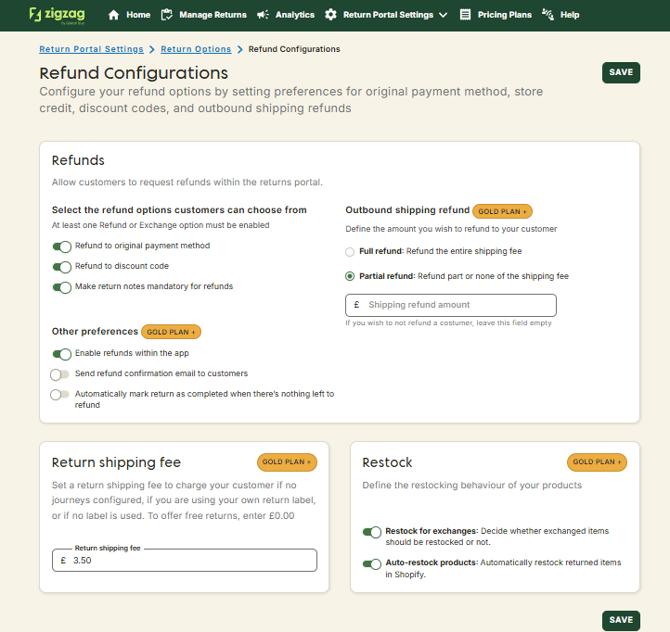
You will then approve and mark as received when the item has been received back.
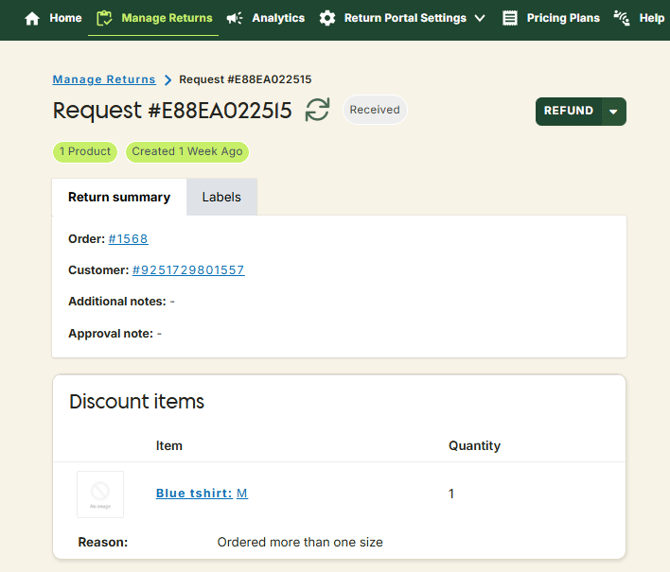
Select the items and quantity to refund and see the gift card amount that is by defaut equal to the calculated suggested refund amount.
This value can be edited until it exceeds maximum refundable.
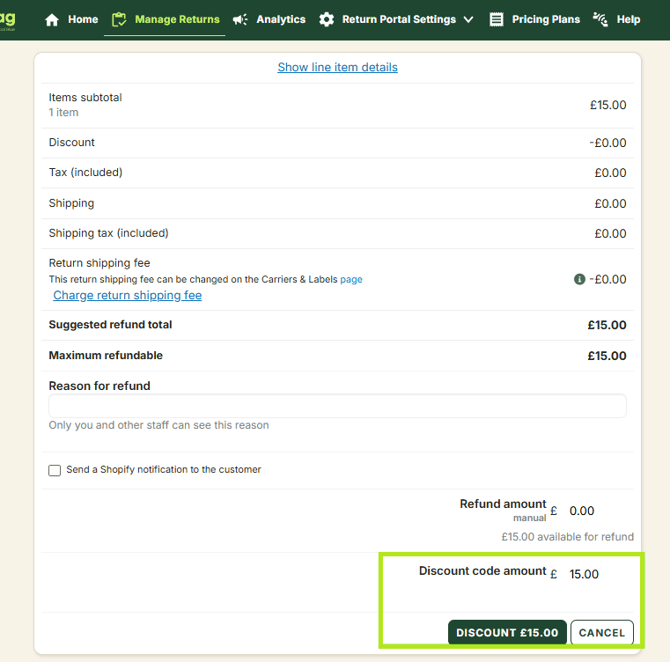
Confirm the refund on the refund pop-up window. Discount code for the value set is automatically created and emailed to your customer.
You can see the issued discount codes under the Discount section of Shopify Admin.
