![MasterLogo_DarkGreenZag_NoBackground.png]](https://my.zigzag.global/hs-fs/hubfs/MasterLogo_DarkGreenZag_NoBackground.png?height=30&name=MasterLogo_DarkGreenZag_NoBackground.png)
Streamline your returns in-app refund, allowing you to never leave our app when processing returns and refunds.
Note: This feature is only available on Gold+ plans.
Navigate to Return Portal Settings > Return Options
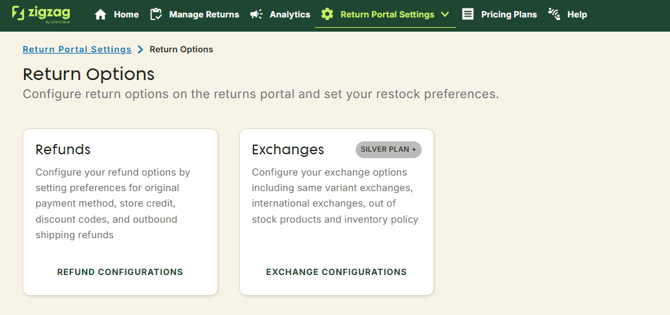
Configure your refunds and restocks within the app on Refund Configurations page.
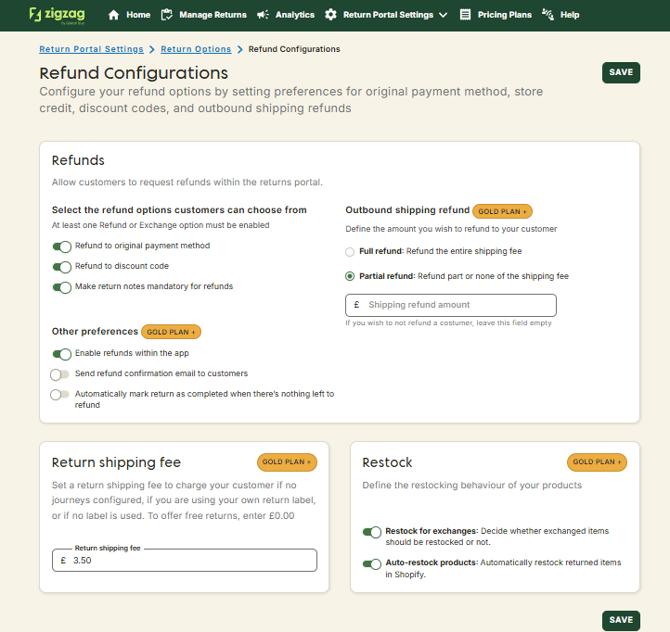
Select the Save button to save the changes.
When the return request is marked as received the option to refund the order within the app appears.
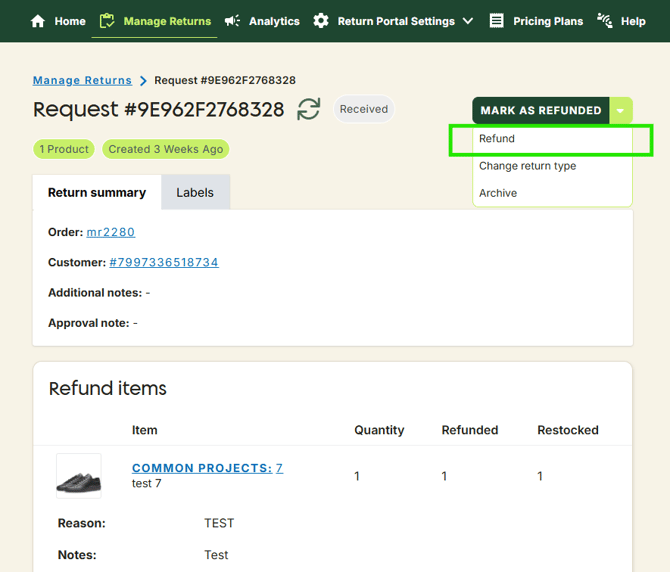
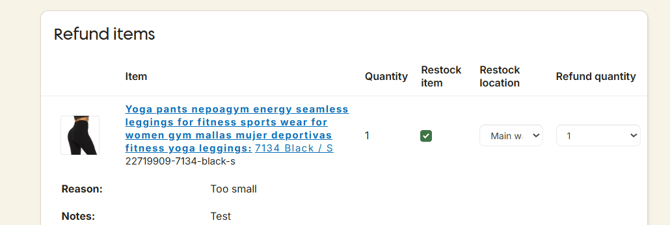
Select the items you would like to refund, you can make a full or partial refund.
Depending or your refund settings, you can refund the full shipping amount or partial shipping amount.
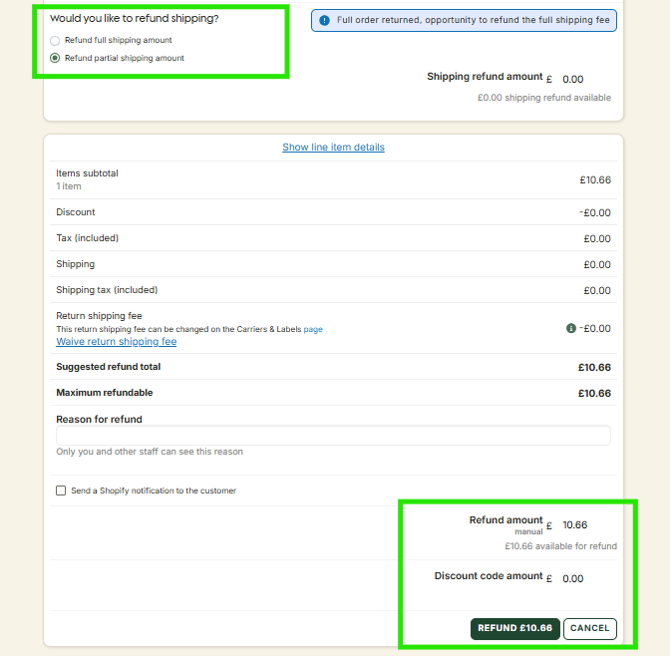
Click the "Refund" button to complete the refund process.
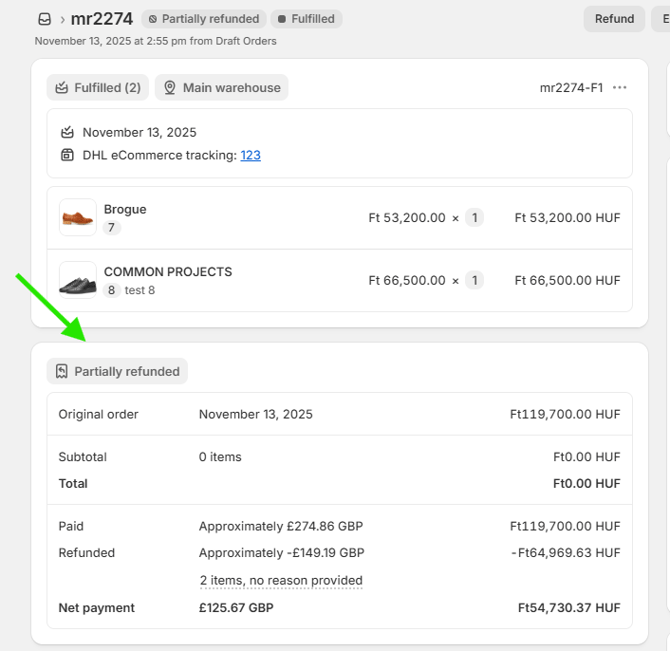
The order will be refunded to the customers original payment method, and the client will receive the standard refund notification email from Shopify if 'Send a Shopify notification to the customer' check box is checked.