![MasterLogo_DarkGreenZag_NoBackground.png]](https://my.zigzag.global/hs-fs/hubfs/MasterLogo_DarkGreenZag_NoBackground.png?height=30&name=MasterLogo_DarkGreenZag_NoBackground.png)
Here is a quick guide on how to set up your lanes and with this automatic label generation, to facilitate your returns management.
What to do now:
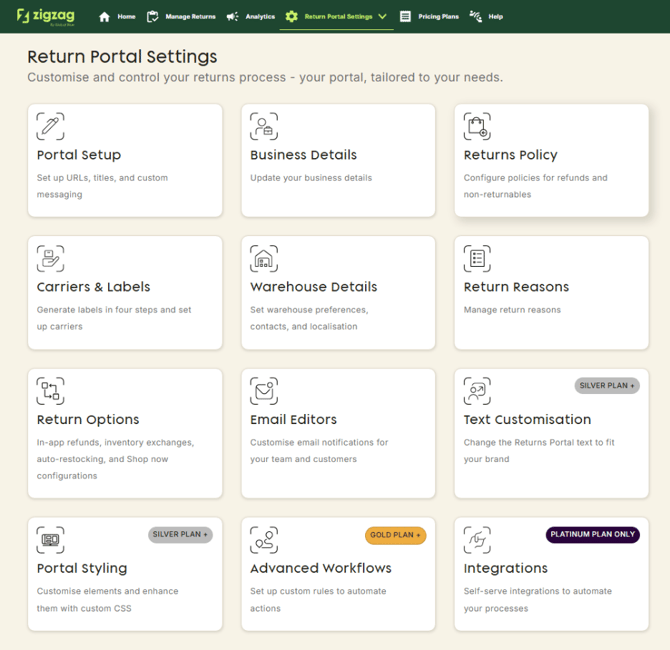
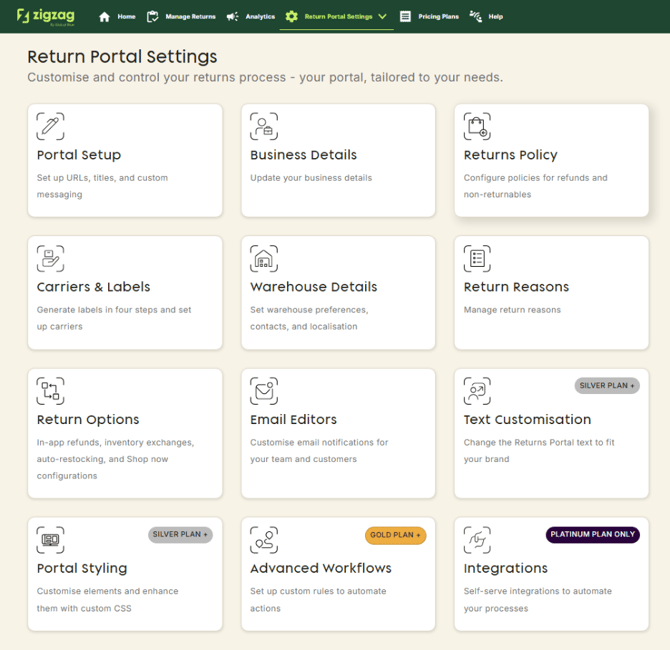
1.Navigate on returns portal settings to Warehouse Details
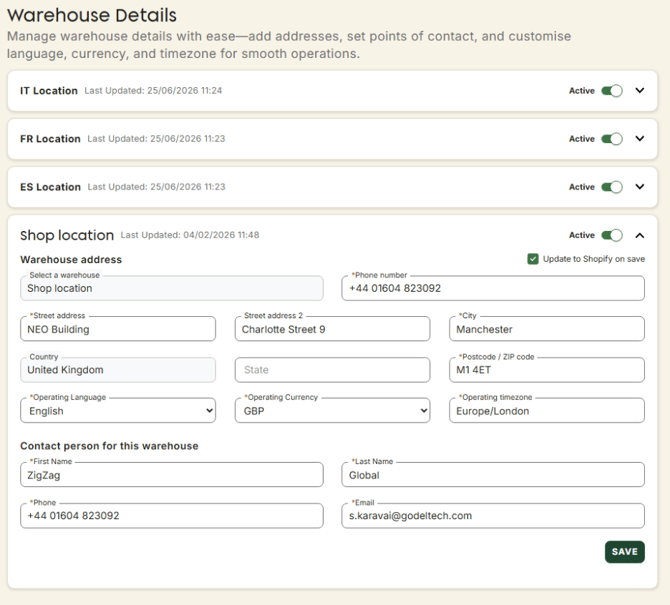
2. There make sure your warehouses are all set up, if some are missing add it on your Shopify locations
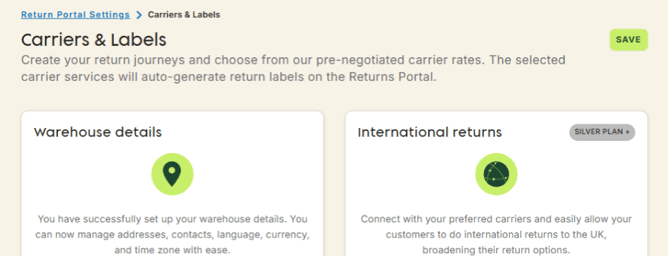
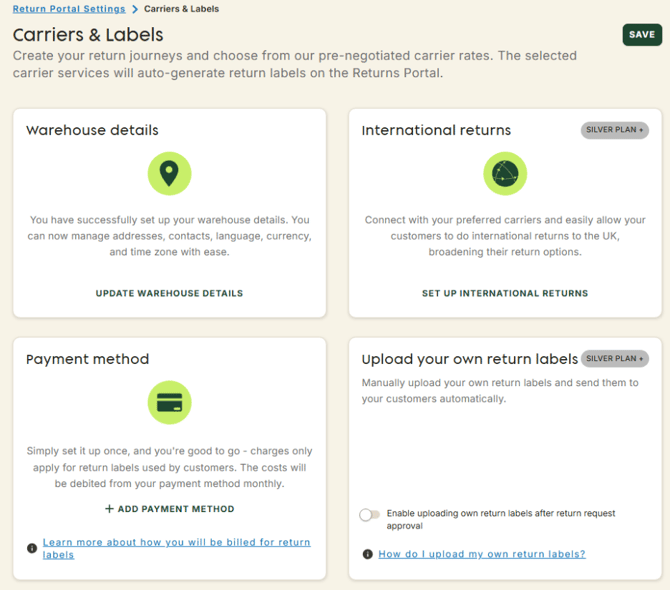
3. Then navigate on returns portal settings to carriers & labels
4. On Payment method click on "add payment method"
5.Insert your credit card details
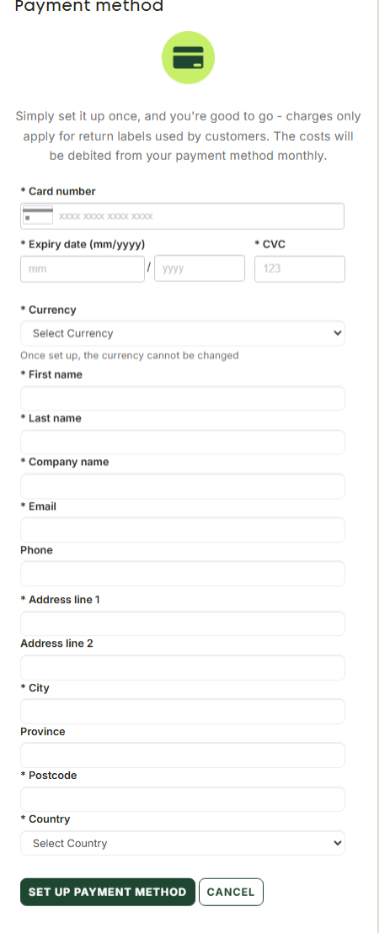
6.Once verified you are ready to set up your journeys
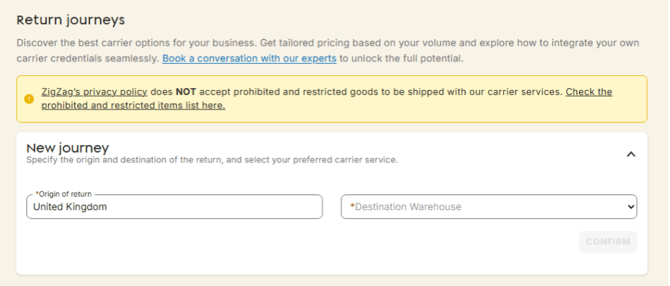
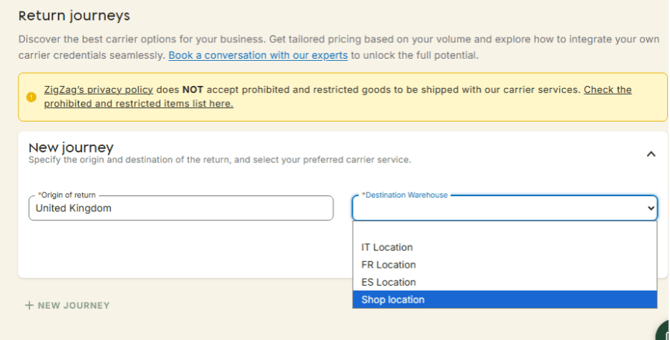
7.Select a warehouse you want the label to ship to
8. Choose the carriers you want to use
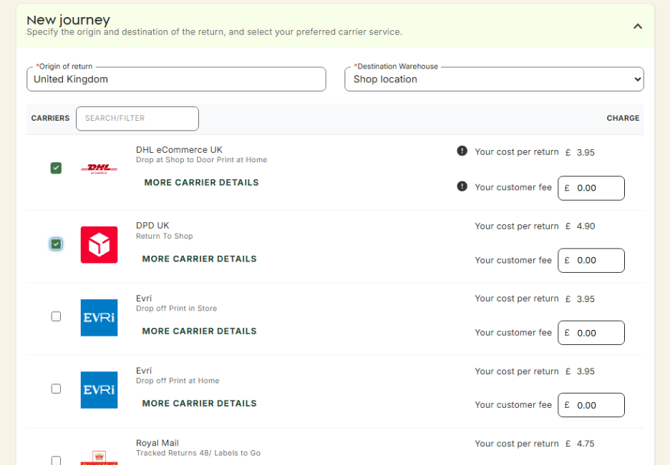
9. Confirm the action
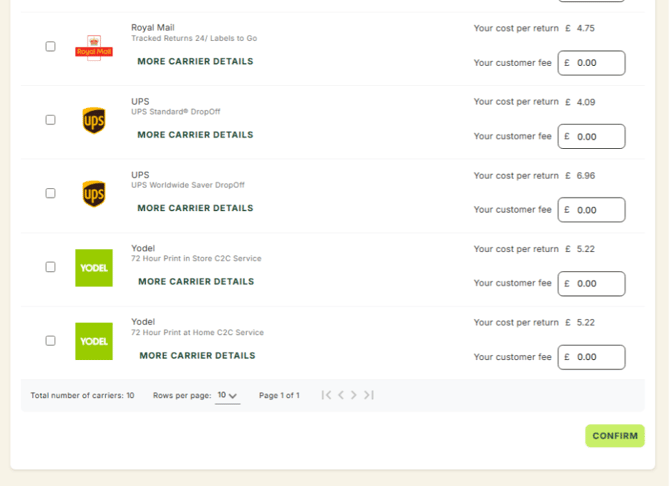
10. And Save